


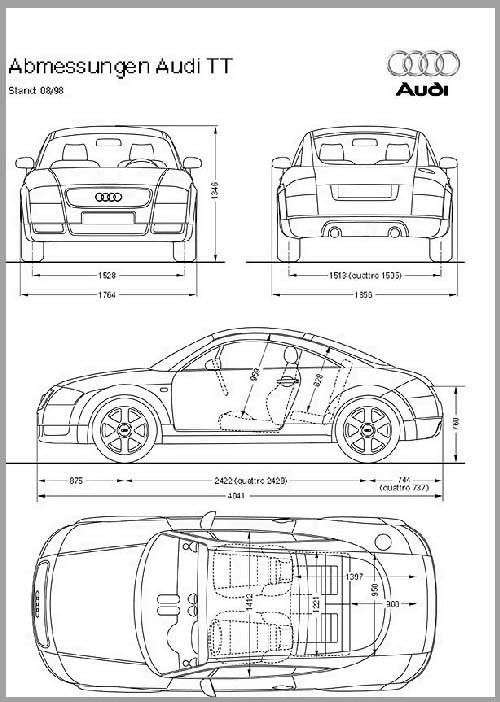
Fig. 1
Then I draw it up with curves, and place the top, side, front and back drawings in each of it owns layers.

Fig. 2
You can see a closeup of the side view.
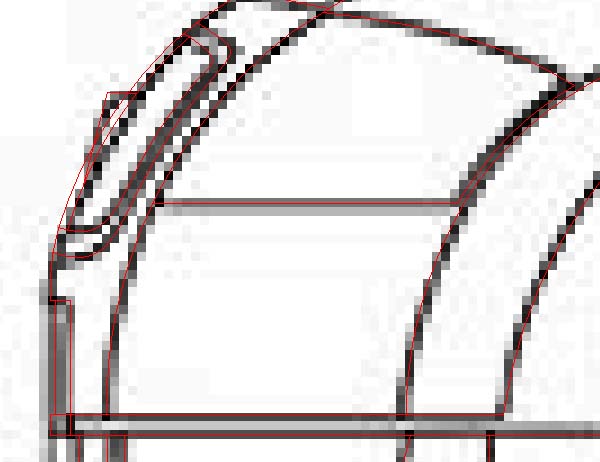
Fig. 3
I then rotate the prints so they "fit" in each of the viewports. No you just have to model the rest (The fun part).
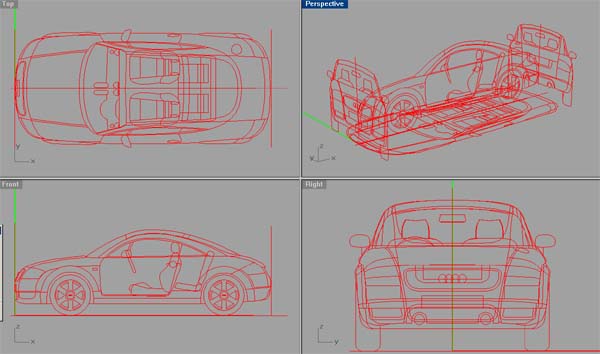
Fig. 4